Long description
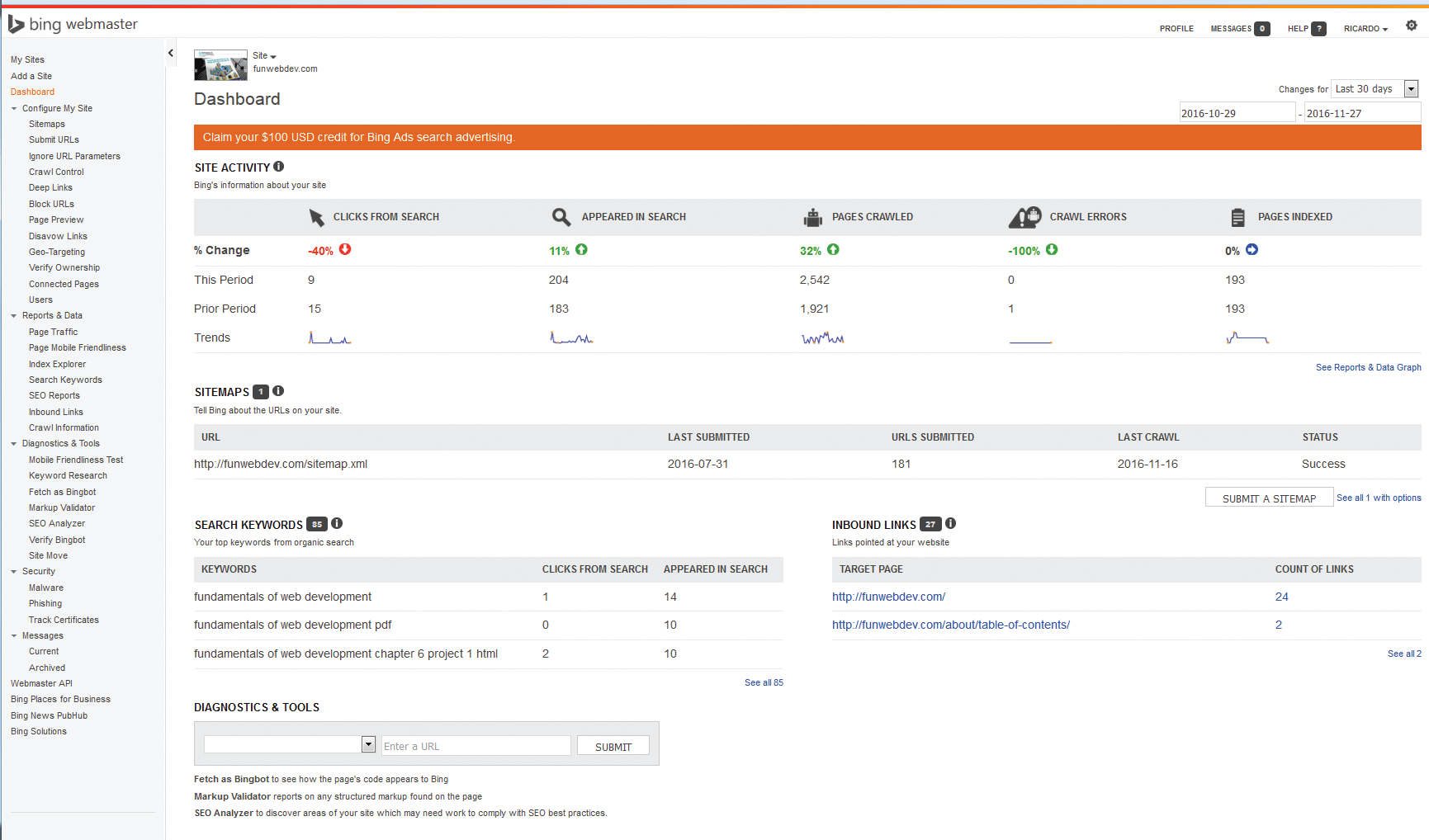
The dashboard of Bings webmaster tool is shown in the screenshot. The following are shown on the sidebar of the dashboard page: My sites, Add a site, Dashboard, Configure my site, Sitemaps, Submit U R Ls, Ignore U R L parameters, Crawl control, Deep Links, Block U R Ls, Page preview, Disavow Links, Geo-Targeting, Verify Ownership, connected pages, Users, Reports and Data, Page traffic, page mobile friendliness, Index Explorer, Search Keywords, S E O Reports, Inbound Links, Crawl information, Diagnostics and tools, Mobile friendliness Test, Keyword Research, Fetch as Bingbot, Markup validator, S E o analyze, verify Bingbot, site move, security, malware, phishing, Track certification, messages, current, Archived, Webmaster "A" P I, Bing places for business, Bing news PubHub, Bing Solutions. The site Activity is shown at the top of the dashboard. The percentage change in clicks from search, appeared search, pages crawled, crawl errors and pages indexed, are shown in the site activity. change in this period, prior period and trends for the above mentioned are also shown. Sitemaps are shown next. The following are included here: U R L, Last submitted, U R Ls submitted, Last crawl, and status. Search keywords are shown next. The number of searches for some keywords are shown here. The following queries related to a particular keyword is shown: clicks from search, appeared in search, target page, and count of links. At last the diagnostics and tools are shown.
Back