Long description
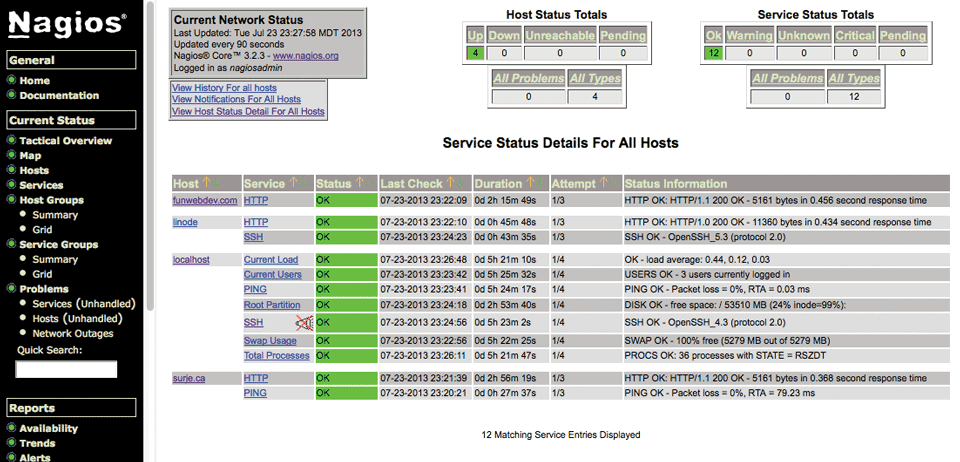
The web interface is divided into 2 major sections. The first section is a vertical navigation bar that spans from top to bottom of the interface at the left. The navigation bar consists of a list of tabs relevant to General, Current Status, and Reports in the system. The second section consists of four blocks placed in two rows, where the first block shows three blocks and the fourth block is shown in the second row. The blocks in the first row show the Current Network Status, Host Status Totals, and Service Status Totals. The block in the second row shows the Service Status Details for All the Hosts. The block displays a table with the columns related to the Host, Service, Status, Last Check, Duration, Attempt, and Status Information. The table displays only those rows where the Status value is O K, indicating that 12 matching service entries are displayed. The Status values are highlighted in green.
Back