Long description
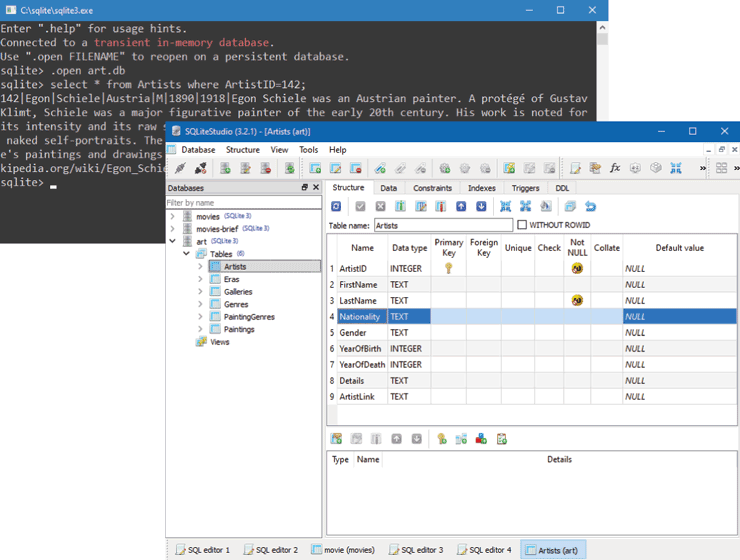
The figure shows the command-line tool for s q lite3 dot E X E and the S Q Lite Studio 3 dot 2 dot 1 application window. The command-line tool shows a list of commands executed to open a database and modify it.
The S Q Lite Studio 3 window shows a Menu toolbar at the top with Database, Structure, View, Tools, and Help options. The rest of the window is divided into 3 sections. The section on the left shows a tree structure that lists out the database names, table names in the databases, and the Views in the tables. The first section spans from top to bottom of the window at the left. The second and third sections are placed one below the other at the right of the first section. The second section displays the properties of the table selected in the first section. The third section displays the type, name, and details related to the row selected in the table properties. The bottom of the window shows the tabs for the editors opened in the window.
Back