Long description
Back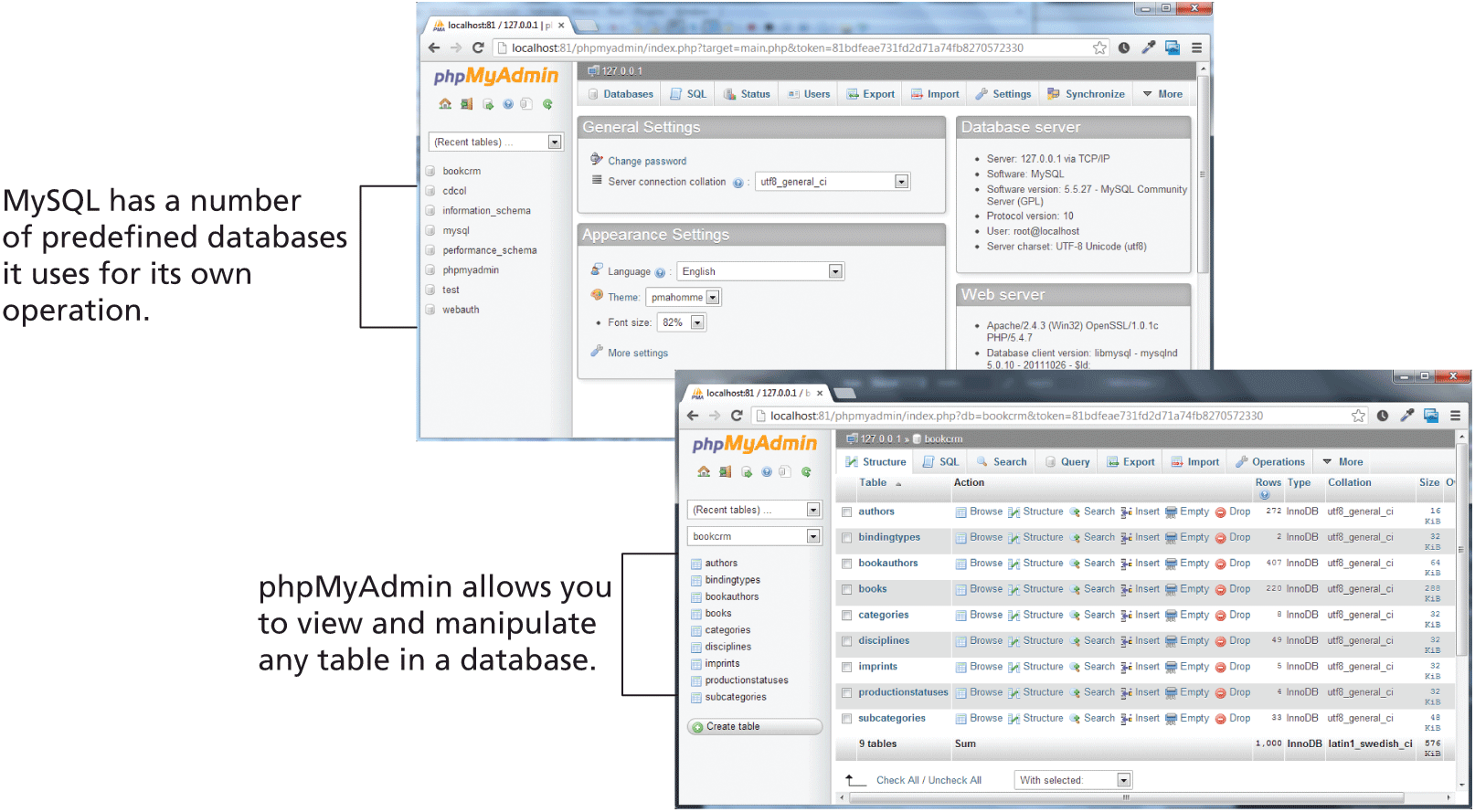
The figure consists of two browser windows that display the p h p MyAdmin web interface. The first browser window is divided into 2 sections. The first section shows a list of predefined databases that My S Q L uses for its own operations. The second section consists of 4 blocks placed in 2 rows that shows different settings and server details available in the tool.
The second browser window is divided into 2 sections. The first section shows a list of tables available in a selected database. The second section shows the table names and its properties from the database selected in the first section. Note: p h p MyAdmin allows you to view and manipulate any table in a database.
Back