Long description
Back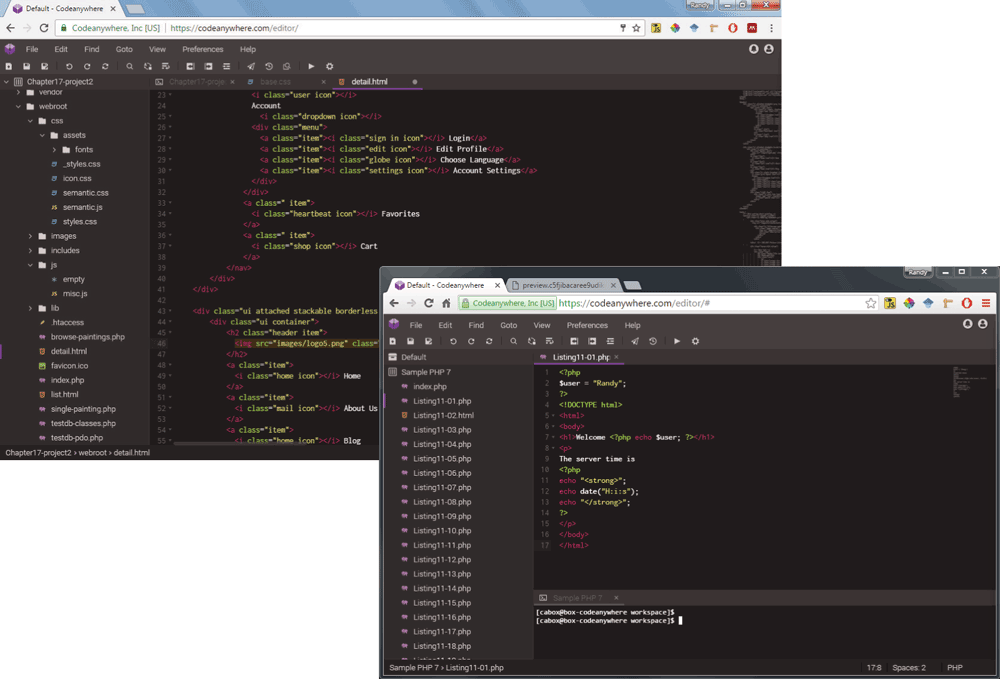
The first browser window that shows an H T M L file that is opened using the codeanywhere editor. The second browser window that shows a P H P file that is opened using the codeanywhere editor. A navigation bar at the top is shown with the following tabs: File, Edit, Find, Goto, View, Preferences, and Help. The portion below the navigation bar is divided into two vertical sections. The first section shows a tree structure of the project directory that lists the different files available in the directory folder. Color codes are used to display the programming language syntax along with their line numbers.
Back