Long description
Back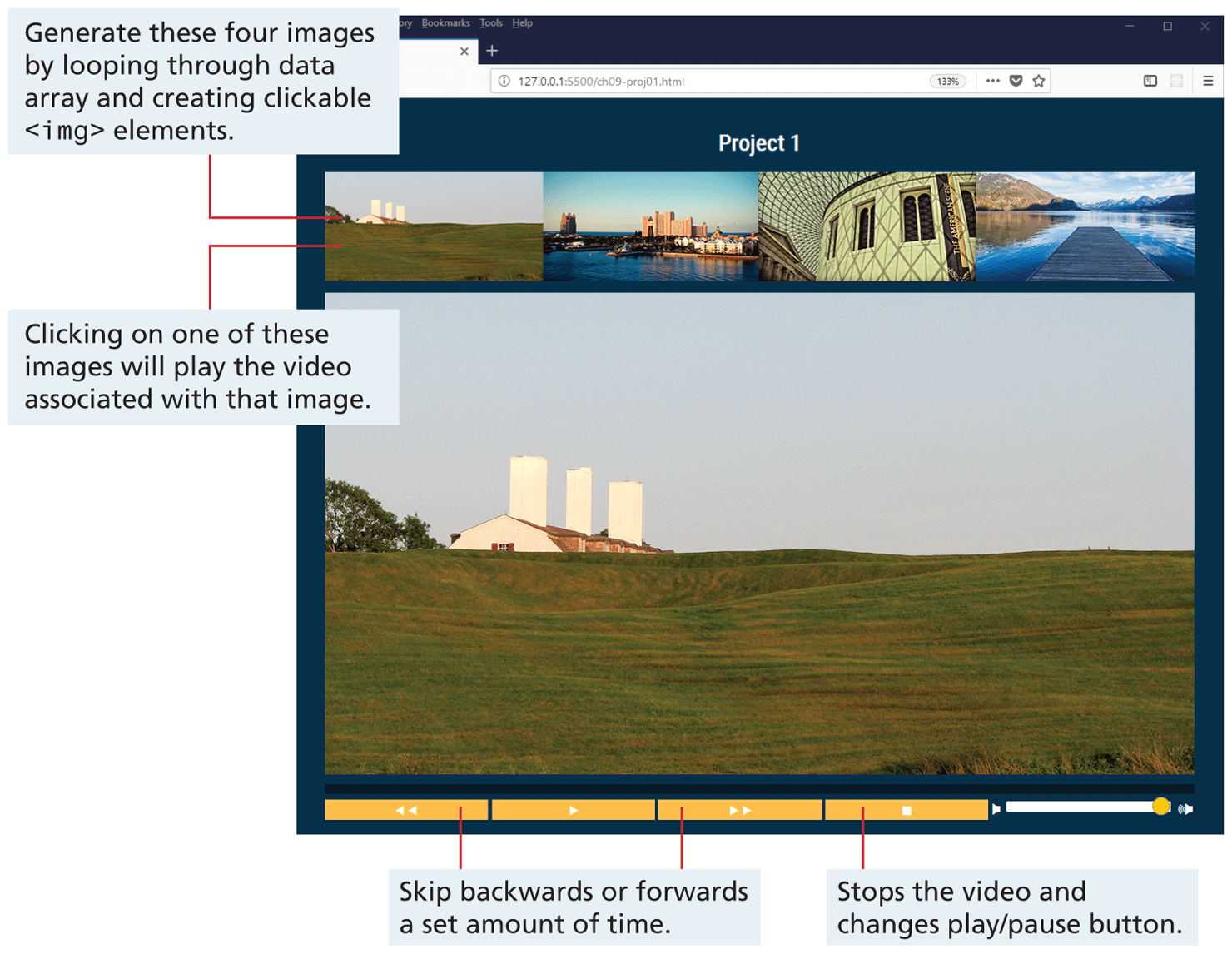
The figure shows a browser window, where a webpage with the link proj 0 1 dot H T M L is open. The browser window titled Project 1 shows four images placed side-by-side in the upper portion of the browser generated by looping through data array and creating clickable open angle bracket i m g close angle bracket elements. Below the four images, a Video Player is shown with control buttons for Skip backwards or forwards for a set amount of time, Stop the video and change play or pause operation and volume control slider, from left to right on the bottom edge. When the user clicks on one of these images, the video associated with that image is played.
Back