Long description
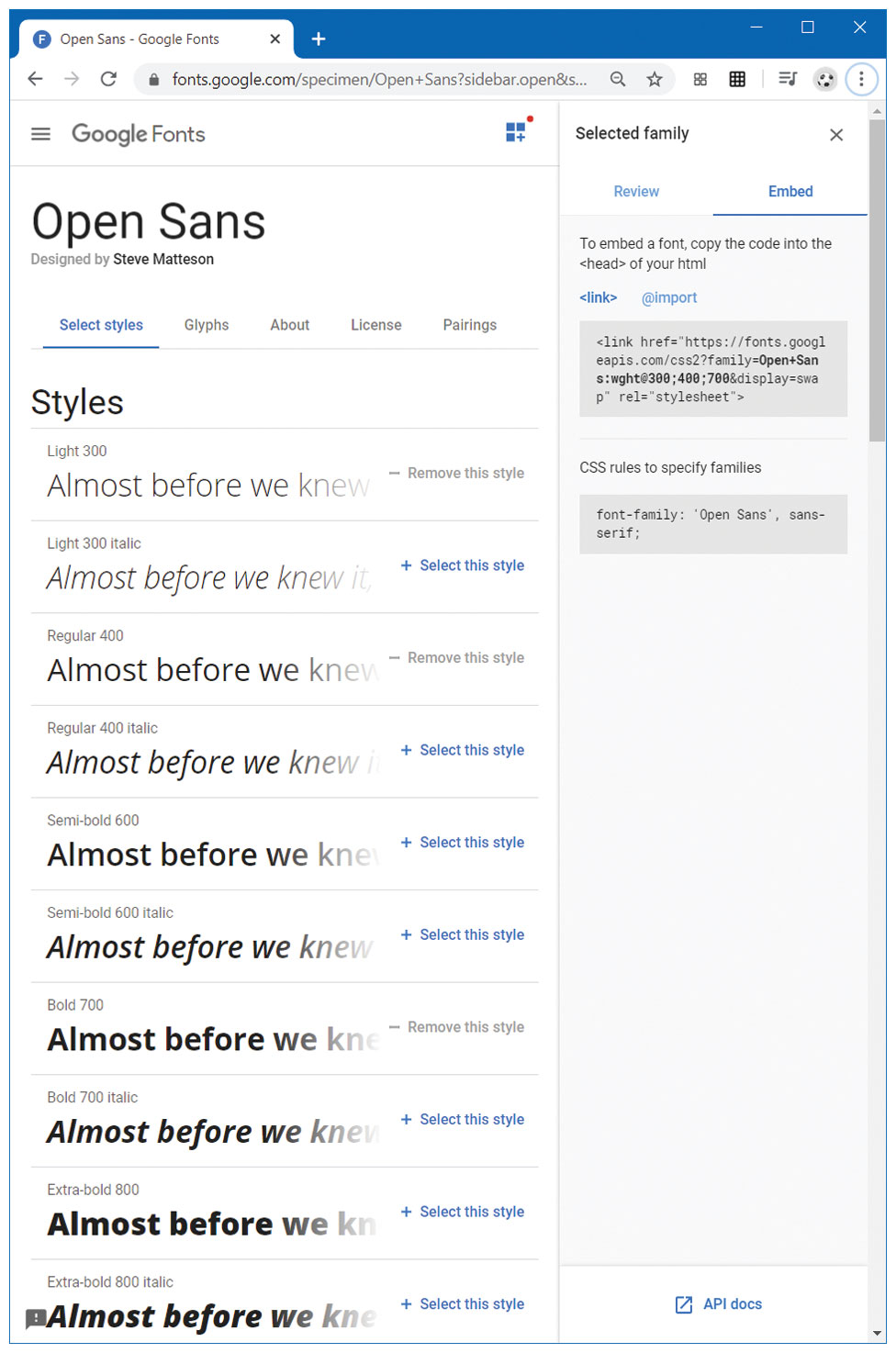
The browser has a tab titled Open Sans hyphen Google Fonts. The address bar reads, fonts dot google dot com forward slash specimen forward slash Open plus Sans question mark sidebar dot open ampersand s. The browser window has two divisions.
Section 1: A level-1 heading that reads, Open Sans is at the top left of the browser window. A horizontal navigation bar with the tabs: Select styles, Glyphs, About, License, and Pairings are placed below the level-1 heading. Select styles is selected in the navigation bar. A level-2 heading that reads, Styles is placed below the navigation bar. A list of text that reads, Almost before we knew with different font styles applied is shown below Styles.
Section 2: A level-3 heading that reads, Selected family is placed at the top left of section 2. A navigation bar with the tabs: Review and Embed are placed below Selected family. Embed is selected and two blocks of code are shown below the navigation bar. A line of text that reads, To embed a font, copy the code into the open angle bracket head close angle bracket of your h t m l is written below the navigation bar, above the blocks of code. The first block of code reads as follows. open angle bracket link h ref equals open double quotes h t t p s colon forward slash forward slash fonts dot google a p i s dot com forward slash c s s 2 question mark family equals Open plus Sans colon w g h t at the rate 300 semicolon 400 semicolon 700 ampersand display equals swap close double quotes rel equals open double quotes stylesheet close double quotes close angle bracket.
The second block of code titled C S S rules to specify families is placed below the first block of code and reads as follows: font hyphen family colon open single quote Open Sans close single quote comma sans hyphen serif semicolon.
Back