Long description
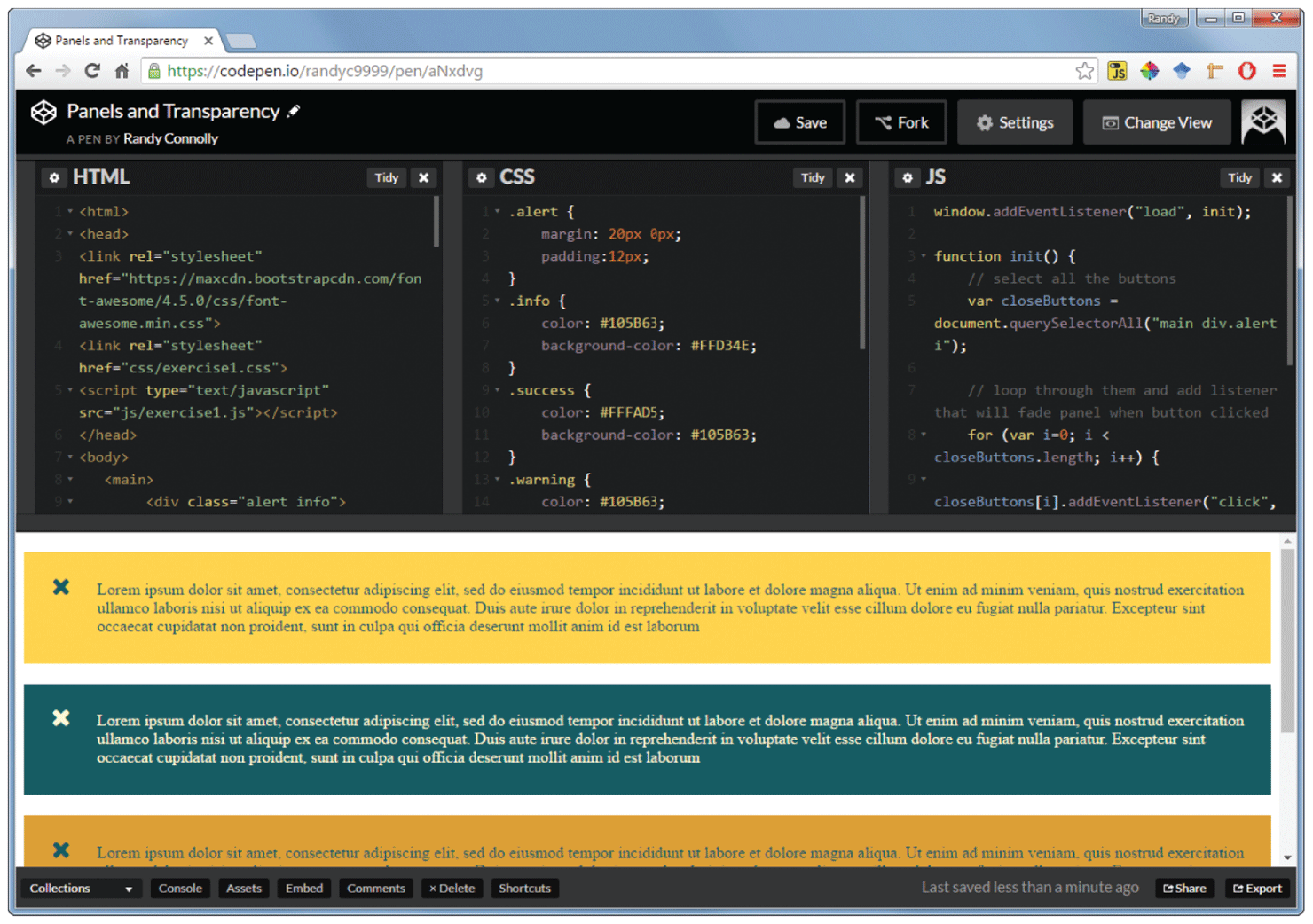
The snippets of code are displayed in 3 anchored windows that are placed side-by-side. Each window indicates the language used to write the code in it. The name and skill set of the person who has written the code is displayed below the code snippets. It is a way to display skills to the prospective clients. A navigation bar at the top of the anchored windows shows the name of the person whose profile a user is viewing. There are 4 tabs at the right end of the navigation bar. The buttons from left to right are labeled Save, Fork, Settings, and Change View. This helps the profile user to make changes to the code and save or make a copy of it and share it with others. The profile user can also change the view of the profile and also other settings using the available tabs.
Back