Long description
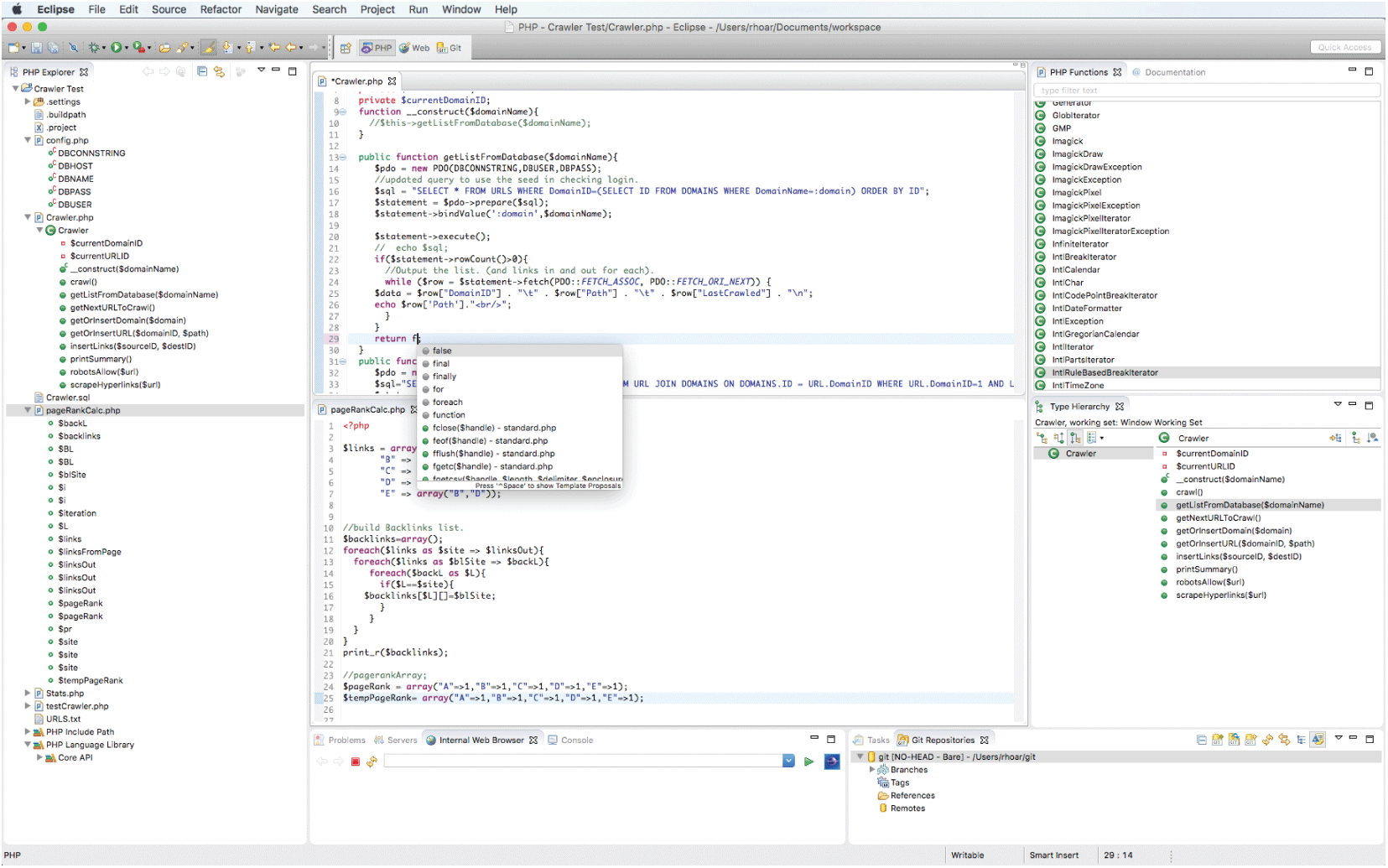
The browser window shows a glimpse of the Eclipse tool. The browser window consists of 5 sections. A navigation bar is at the top of the window followed by a toolbar below it. The first section is a vertical section placed at the left of the window. The section is titled P H P Explorer and consists of a list of path folders, library folders, p h p files, and their corresponding function names. A file named pageRankCal c dot p h p is selected. The rest of the sections are placed in 3 rows and 2 columns. The second section titled Crawler dot p h p is placed at the right of the first section. The second section consists of a p h p program with line numbers marked at the left. A prompt window appears displaying a list of parameters available in the library when a keyword is typed in the program. The third section titled P H P functions is placed at the right side of the second section. The section consists of a list of function names available in the library. The fourth section titled pageRankCal c dot p h p is placed at the right side of the first section, below the second section. The section consists of a p h p code. The fifth section titled Type Hierarchy is placed at the right side of the fourth section, below the third section. The section consists of a list of parameters available in the Crawler script. The sixth section is placed at the bottom right of the first section, below the fourth section with a navigation bar at the top that has the following tabs: Problems, Servers, Internet Web Browser, and Console. The Internet Web Browser tab is selected that displays a search button in the window below. The seventh section is placed at the right side of the sixth section, below the fifth section. The section consists of a list of contents available in the Git repositories.
Back