Long description
Back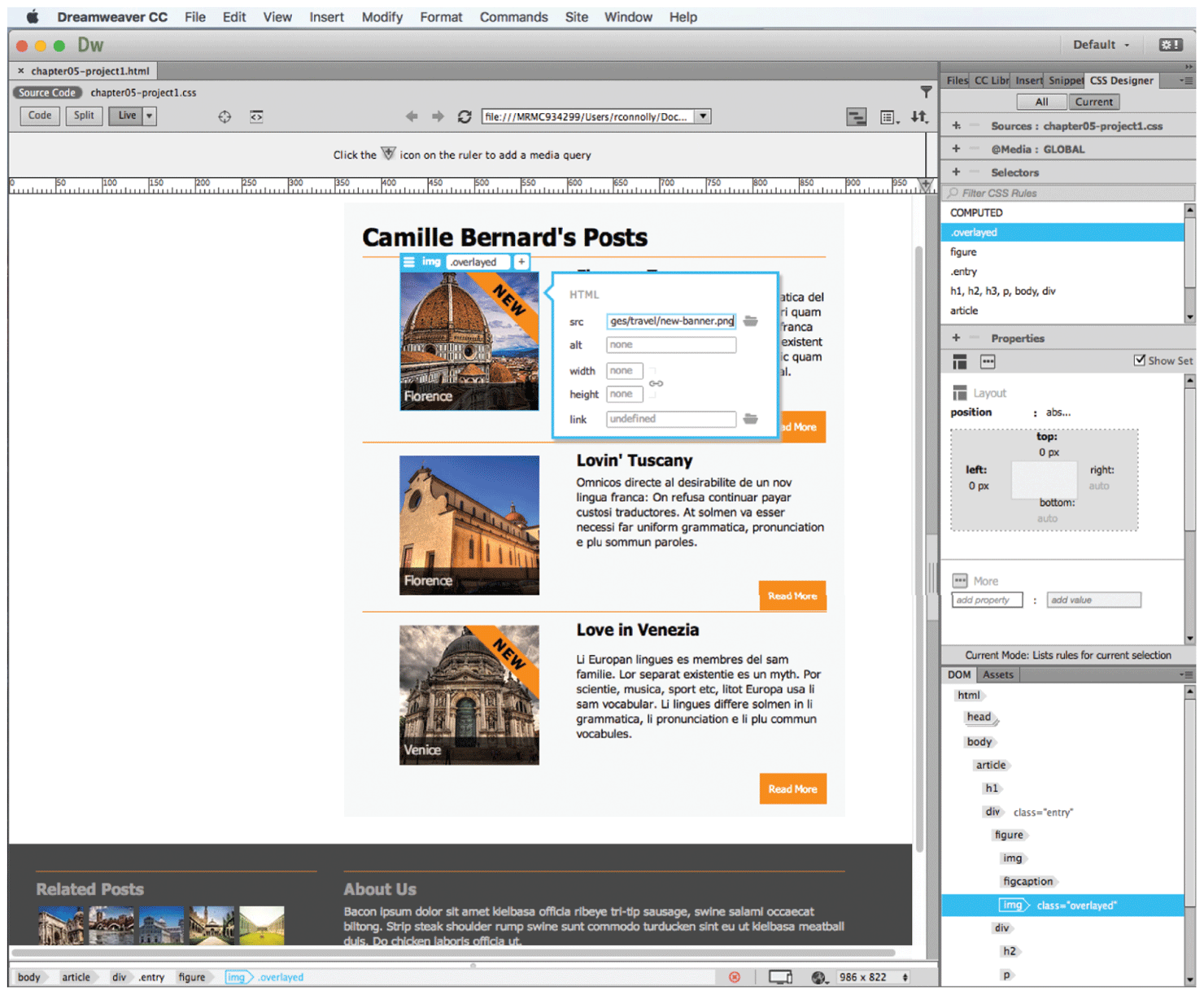
The browser window shows the Adobe Dreamweaver tool. A level-1 heading that reads, Dreamweaver C C is placed at the top left of the window on the navigation bar. A list of tabs are placed at the right of the heading that reads, File, Edit, View, Insert, Modify, Format, Commands, Site, Window, and Help. The window below the navigation bar is divided into two vertical sections. The first section is very broad and has a ruler at the top. An image selected for editing is shown in this section. The second section covers one-fourth of the window at the right and shows the different C S S rules related to the code of the image in the first section, its properties, and list of rules for a section selected in the image.
Back