Adding Content to List Pages
When you visit http://localhost:1313/projects,you see a list of projects and nothing else. Let’s add some content to the page as well. To add content to list pages, you need to add an _index.md file to the folder associated with the content. This is similar to how you added content to your site’s home page.
Create the file content/projects/_index.md. You can do this with the hugo command:
| | $ hugo new projects/_index.md |
| | /Users/brianhogan/portfolio/content/projects/_index.md created |
Open the file in your editor. It’ll have the front matter filled in, and it’ll also have the placeholder content, since it applied the projects.md archetype. Replace the content with some text that introduces your projects:
| | --- |
| | title: "Projects" |
| | draft: false |
| | --- |
| | |
| | This is a list of my projects. You can select each project to learn more about |
| | each one. |
The list template you created earlier doesn’t display the content. Open themes/basic/layouts/_default/list.html and add code to include the content into the layout:
| | <h2>{{ .Title }}</h2> |
| | |
| » | {{ .Content }} |
Make sure both files are saved and view your project list to see the content:
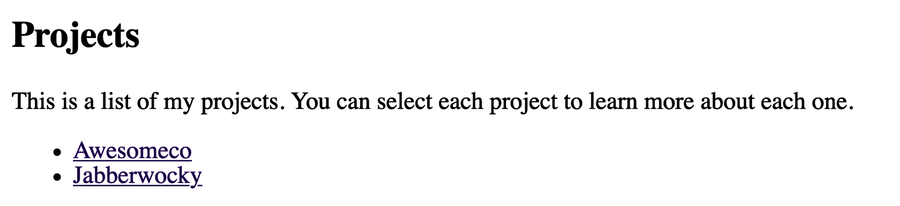
With this in place, all list pages in your site support additional content, not just your project list. However, all of those lists will look the same. Let’s make a layout for the project list next.